Render image (fb_draw_pic)
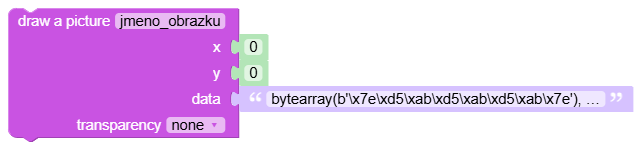
What it does: Draws a bitmap saved as bytearray from the integrated image editor to the main framebuffer at the specified coordinates.
Inputs
px: value of type Number.py: value of type Number.data: bytearray exported from integrated image editor- Field
alpha: transparency option, determines which color of the image will be transparent. - Field
name: unique image name to create its internal variable.
Output
- None (statement block).
When to use it
- When you want to display an icon, logo or sprite on the display.
- When composing UI from premade images.
Tips and pitfalls
- Input
datamust match the format from the image editor (bitmap data + dimensions). After drawing or importing an image, click Copy to Clipboard, then paste the data into the image drawing block. - The field
alphaspecifies the transparent color (-1none,0black,1white); changes will only take effect afteroded_refresh.
Usage example
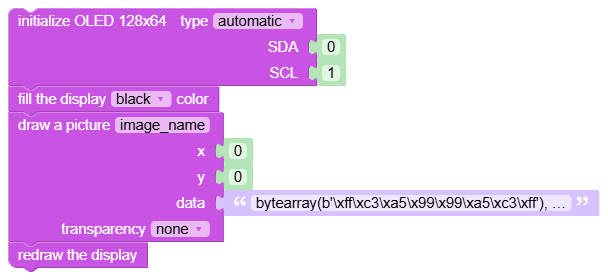
Generated Python example
fbuf.blit("text", int(0), int(0), int(0))